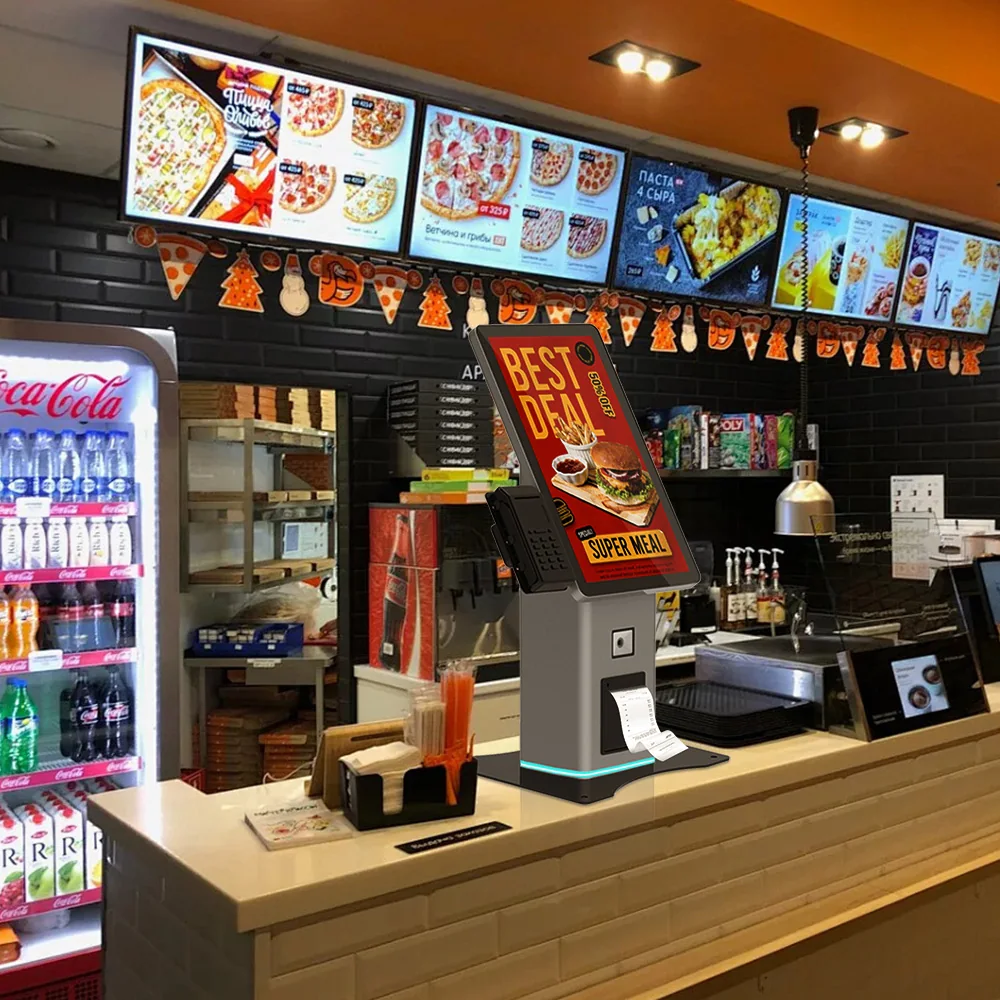
A practical self-service kiosk selection guide covering workflow, cabinet format, peripherals, software ownership, compliance and production planning.
Start with the service workflow
A kiosk machine should be selected around the task it must complete. Document who will use it, what the user must do, how long the interaction should take and what happens when assistance is required.
This first step separates a useful project brief from a list of disconnected hardware features.
- User and accessibility requirements
- Transaction or service steps
- Expected daily traffic
- Assisted-service and maintenance process
Match the cabinet to the installation
Floor-standing, desktop and wall-mount kiosks solve different space, visibility and maintenance requirements. Confirm mounting, service access, cable routing and expected traffic before choosing the enclosure.
Define every peripheral and interface
List the printer, scanner, card reader, payment terminal, camera, cash module and identity hardware. For each item, record its physical dimensions, power, data interface, driver and software responsibility.
Confirm software ownership early
Usingwin supplies supporting software for applicable cash collection and change workflows. Other kiosk projects are normally delivered as hardware with an SDK package for customer application integration, subject to project confirmation.
Request a configuration-based quotation
Kiosk price depends on the cabinet, display, computing platform, peripherals, compliance scope, quantity and customization. A useful quotation follows a reviewed configuration rather than a generic price request.
Buyer specification and acceptance checklist
A useful kiosk comparison starts with an agreed transaction, not a screen size. Give each shortlisted supplier the same workflow, installation drawing and peripheral list. Separate confirmed requirements from optional features so that a lower quotation does not simply omit integration work, service access or acceptance testing.
| Decision | What to specify | Evidence to request |
|---|---|---|
| Workflow | List the user steps, payment or identification points, and the route to staff assistance. | Demonstrate a completed transaction, a cancellation and an interrupted session. |
| Installation | Document usable floor or counter space, door opening clearance, mounting and cable entry. | Review the installation drawing with the team responsible for the actual location. |
| Integration | Name the application owner, operating system, peripheral interfaces and external systems. | Run the intended application against the specified hardware and drivers. |
| Support | Separate warranty terms, spare parts, remote diagnosis and on-site labor responsibilities. | Identify who diagnoses a fault and who replaces a failed component. |
What should the prototype acceptance test include?
For a pilot, use the same software build and peripheral configuration planned for production. Include loss of network access, restart after power interruption, printer replenishment and user abandonment. Record the expected outcome for each scenario before testing; a demonstration that only shows a successful payment is not a complete acceptance test.
Frequently asked procurement questions
Should a buyer choose a standard kiosk or an OEM/ODM design?
Start with a standard format when it fits the workflow, mounting and peripheral requirements. Consider custom engineering when a documented constraint cannot be met by the existing design. Ask the supplier to separate configuration changes from work that requires new mechanical design, tooling or validation.
Does buying kiosk hardware include the application software?
Do not assume it does. Put application development, integrations, operating-system licensing, payment setup and support ownership in the quotation. Hardware delivery and SDK availability do not by themselves establish responsibility for the complete operating service.
Related planning resources
These are procurement planning checks, not a promise that every model includes every function. Confirm the selected configuration, software scope, compliance evidence and acceptance criteria in the project quotation.
Keep the accepted bill of materials and test record with the purchase specification. This gives the buyer, distributor and manufacturer a common reference when reviewing replacement parts or a later repeat order.