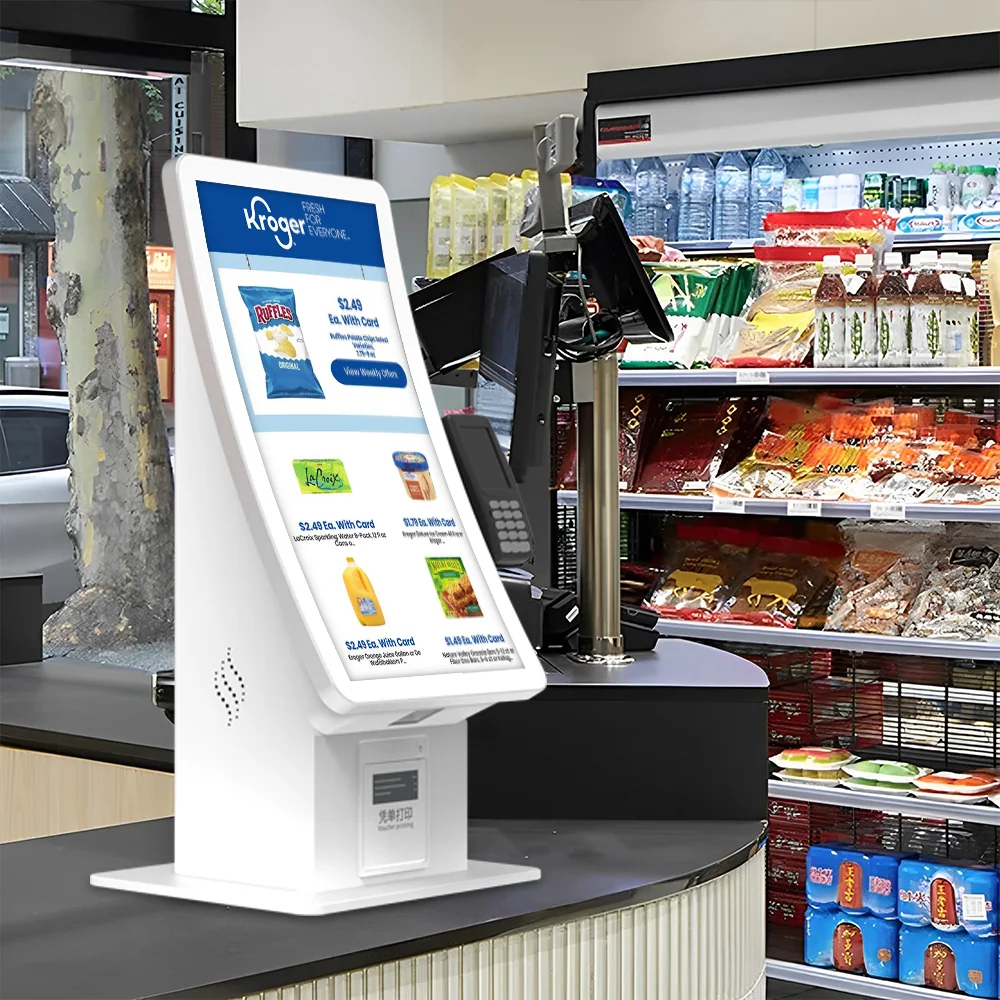
Understand the cabinet, scanner, printer, payment and service-access decisions behind a retail self-checkout kiosk project.
Define the retail transaction
A self-checkout kiosk may need product scanning, membership identification, payment, receipt printing and exception handling. Define the complete sequence before deciding where each module belongs.
Plan for traffic and service access
Cabinet footprint, queue position, screen angle and maintenance doors affect daily operation. Staff should be able to replace paper, inspect connections and service modules without disrupting nearby lanes.
Separate POS software from kiosk hardware
Retail POS and inventory applications are separate from the physical kiosk. Usingwin can prepare compatible computing and peripheral interfaces, while the customer or integrator connects the retail application.
Prototype the complete peripheral set
A prototype should use the intended scanner, printer, payment device and customer application. Physical fit alone is not enough; drivers, ports and transaction behavior also require validation.
Buyer specification and acceptance checklist
Retail self-checkout procurement should describe both the normal basket journey and the situations requiring staff intervention. Product scanning, price lookup, payment and receipt delivery are separate integration points. Confirm how the system handles unreadable barcodes, canceled items and payment failure before committing to the enclosure layout.
| Decision | What to specify | Evidence to request |
|---|---|---|
| Scanning | Provide representative packaging and barcode conditions from the intended store. | Scan the sample basket in the installed orientation, not only on a laboratory bench. |
| Basket and price | Define product lookup, promotions and item-removal responsibilities in the retail application. | Compare the final basket and amount with the store system. |
| Assistance | Specify which exceptions require staff and how an attendant is notified. | Recover a blocked transaction without losing the customer basket. |
| Serviceability | Review printer access, scanner replacement, payment-terminal access and cable management. | Show that routine service can be completed within the available installation space. |
What should the prototype acceptance test include?
Prepare an acceptance sheet covering a complete sale, an abandoned basket, an unreadable code and a network interruption. Check that retries do not produce duplicate charges or inconsistent stock records. If the project uses weighing or other verification hardware, identify the exact module and application logic rather than treating those functions as inherent in every self-checkout cabinet.
Frequently asked procurement questions
Does a self-checkout cabinet include loss-prevention software?
Only when that software is explicitly included in the agreed scope. Separate enclosure and peripheral supply from store-system integration, attendant workflows and any additional verification software. Document the responsibilities of the hardware supplier and retail-system provider.
How should a distributor compare supplier quotations?
Issue the same bill of materials and integration assumptions to each supplier. Compare included peripherals, operating-system requirements, sample testing, packing, spare parts and service responsibilities. An apparently similar cabinet can represent a materially different delivered configuration.
Related planning resources
- Retail application requirements
- Compare available kiosk formats
- Review payment integration decisions
These are procurement planning checks, not a promise that every model includes every function. Confirm the selected configuration, software scope, compliance evidence and acceptance criteria in the project quotation.